FAQs covered in this article:
What is a sales channel?
How to manage my sales channels?
How to connect to different sales channels?
How do I manage orders from different sales channels?
What is a sales channel?
A sales channel, or a marketplace, is a platform where your products are displayed and sold alongside those from other suppliers. Each sales channel offers different visibility and sales opportunities.
Managing your sales channels
Navigate to Commerce > Sales channel in the system |
|---|
Here, you’ll see:
Active channels where your products are already listed.
Pending connections waiting for approval.
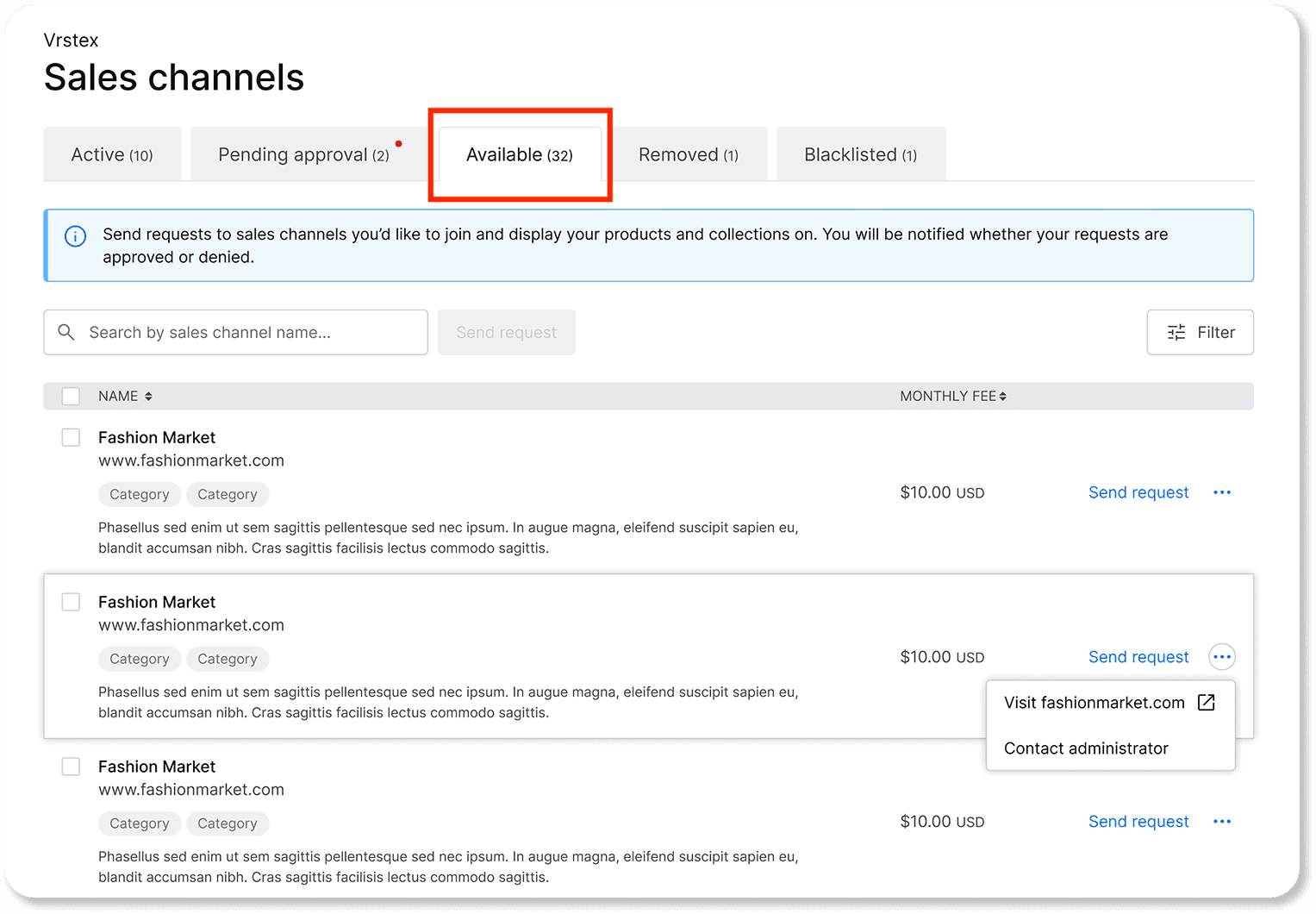
Available channels that are open to join.
How to connect to sales channel
Browse available channels.
Select the desired sales channel.
Click on ‘Send a request’ to display your products on it
Managing orders from sales channels
Once your request has been accepted, you’ll receive marketplace orders directly in your order page.
To learn how to find and prepare your inventory orders, read this article: Preparing your inventory order