FAQs covered in this article
How do I confirm my bank account details?
How do I set up my payout method to receive funds?
Can I add another payout method?
Set up your general banking setup
Navigate to Accounting > Banking information |
|---|
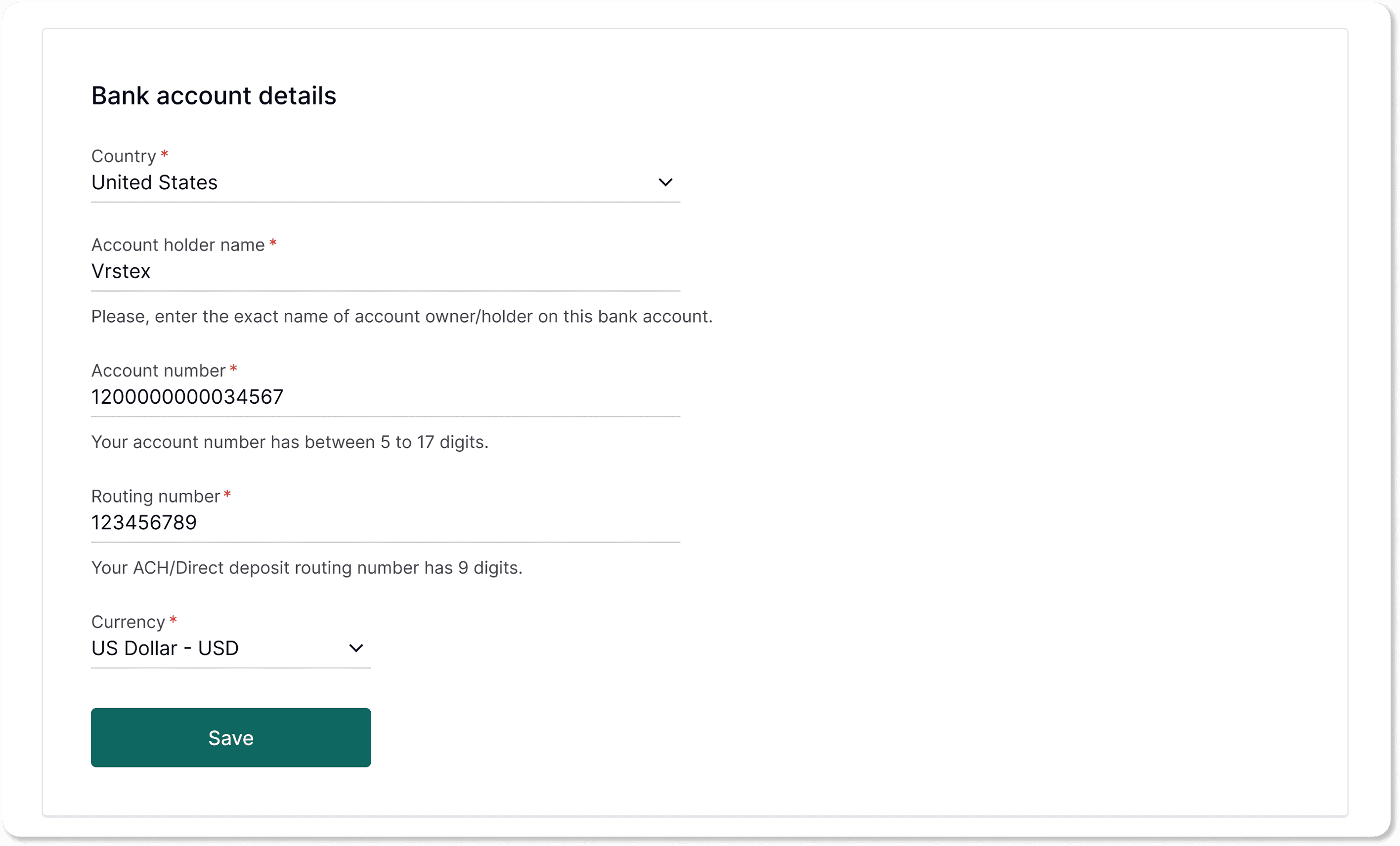
Enter and confirm your bank account details
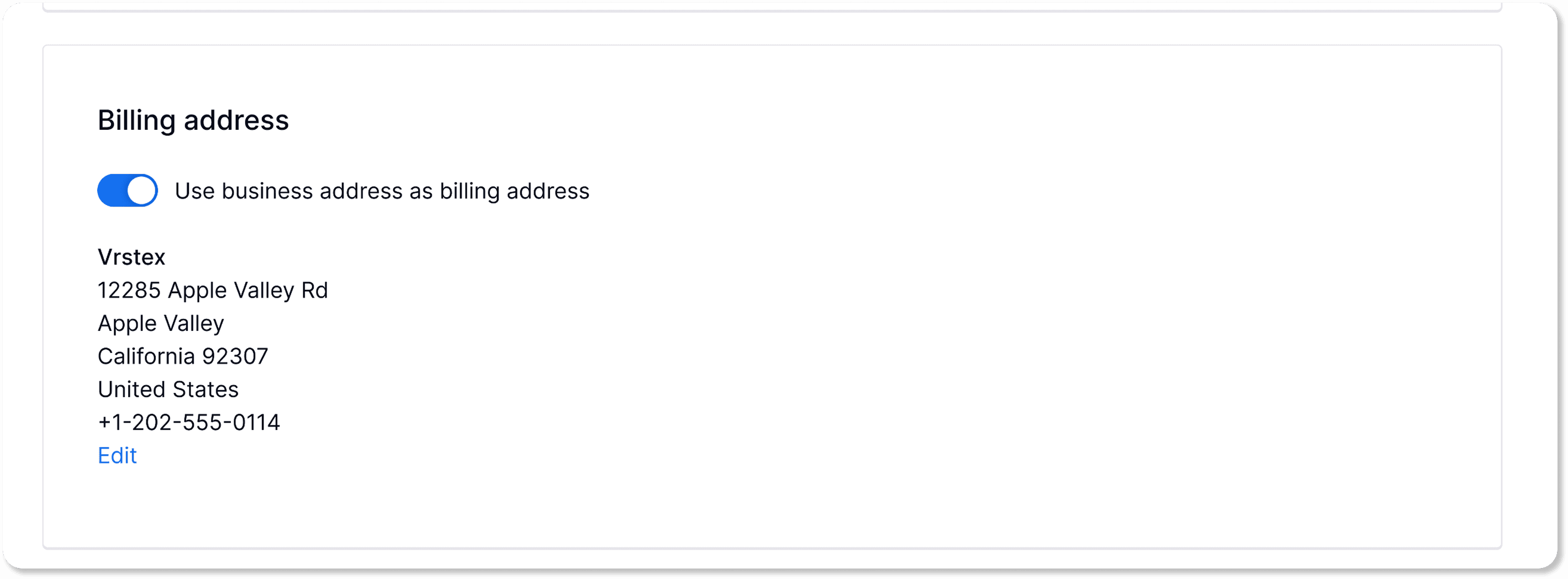
Add your billing address
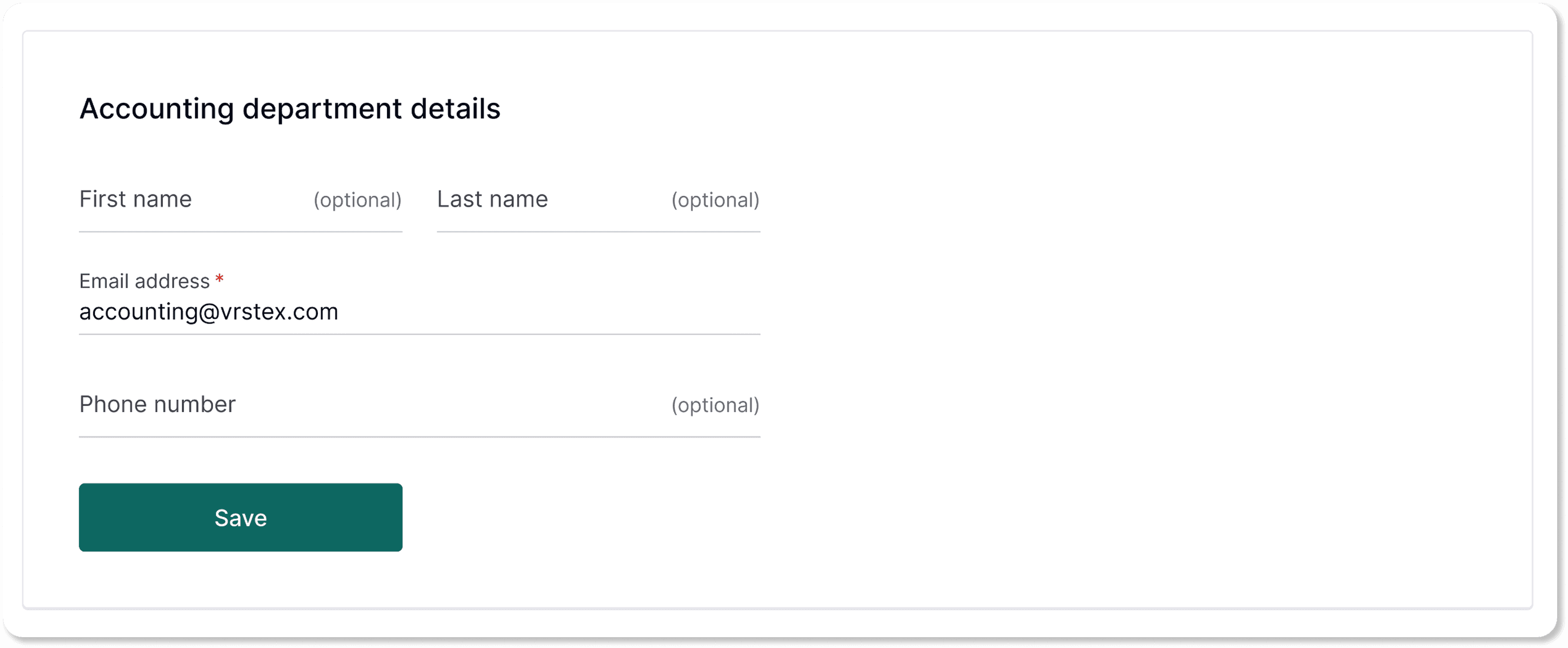
Provide your accounting contact
Setting up your payment method
Your payout method is how you receive funds from the platform. To add or update it:
Navigate to Accounting > Payout information |
|---|
Step 1: Enter the recipient’s email and business name, then click Save.
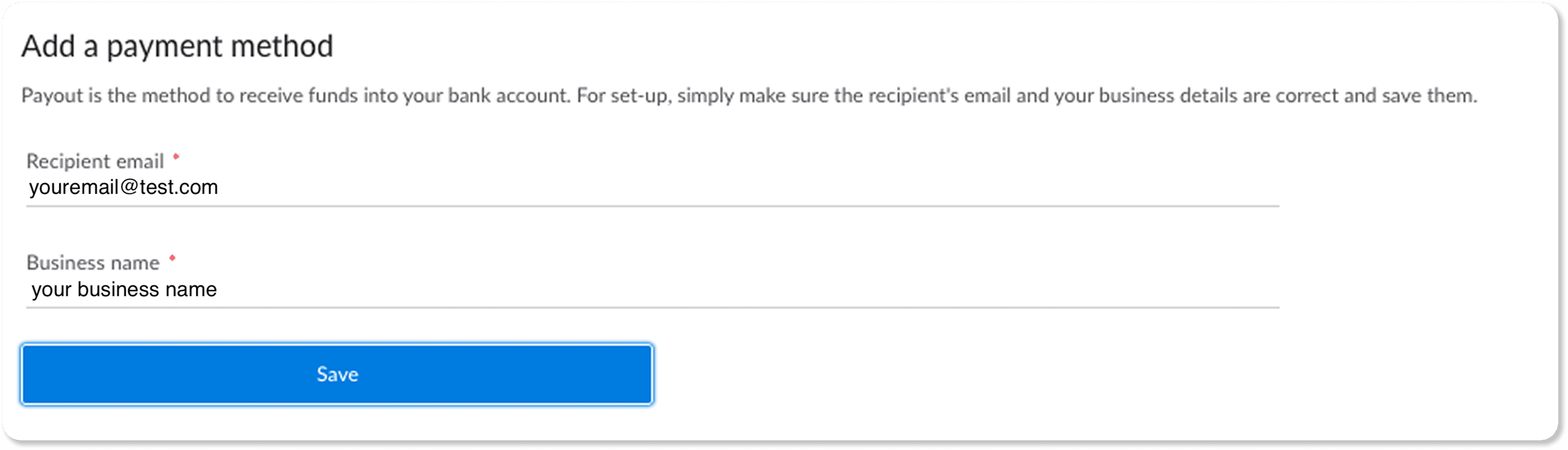
IMPORTANT: Make sure the email address matches the name of the person authorized to receive funds in the bank.
Step 2: Click Add payout method and complete the required fields.
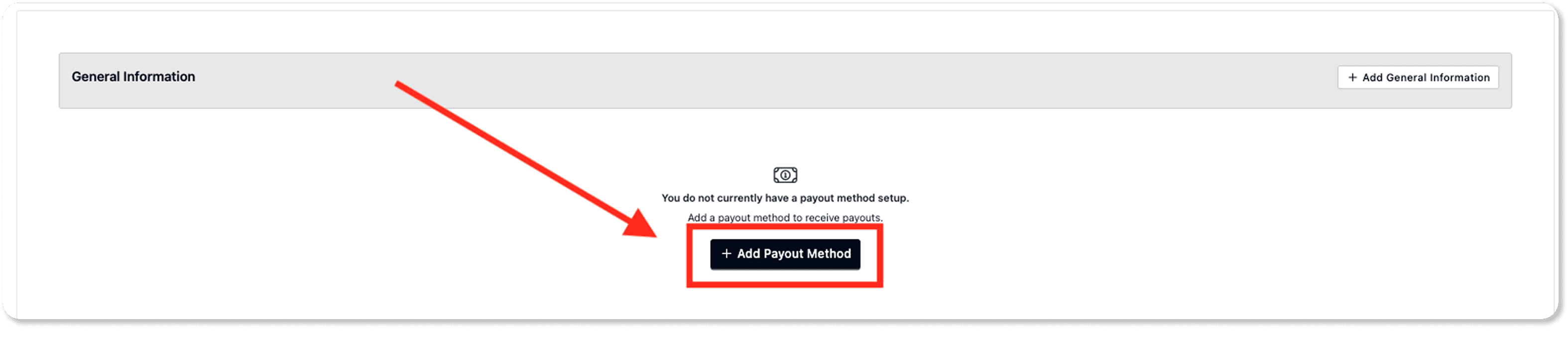
Select either Bank Transfer or PayPal as your preferred method.
Click Save after completing each section to move to the next step.
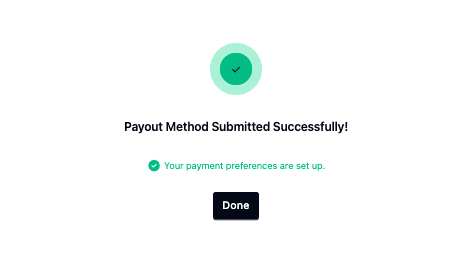
You’ll see a confirmation message once setup is complete.
Can I add another payout method?
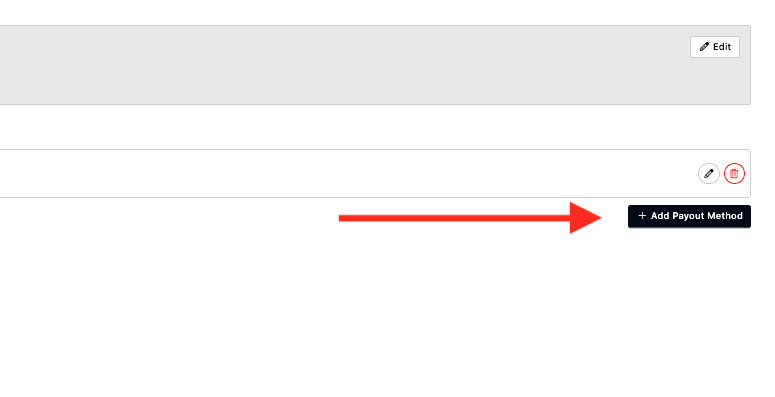
You can add another payout method by repeating the process when you click on “Add payout method."
Once your payout method is set up, you’re ready to start receiving payments.