FAQs covered in this article:
How do I set up my notifications?
Where can I find the notifications settings in my account?
What types of notifications can I receive?
Why should I enable notifications?
Where can I see my notifications?
Why your notifications matter
Enabling notifications ensures you’re immediately aware of important actions in your account. Whether it’s a supplier contacting you regarding a production order or updating order details, you’ll be in the loop.
How to manage your notifications
Log in to system.tengiva.com
Click on "My account" in the top right corner of the screen.

From the dropdown menu, select “My Details”.
Go to the “Notifications” tab.
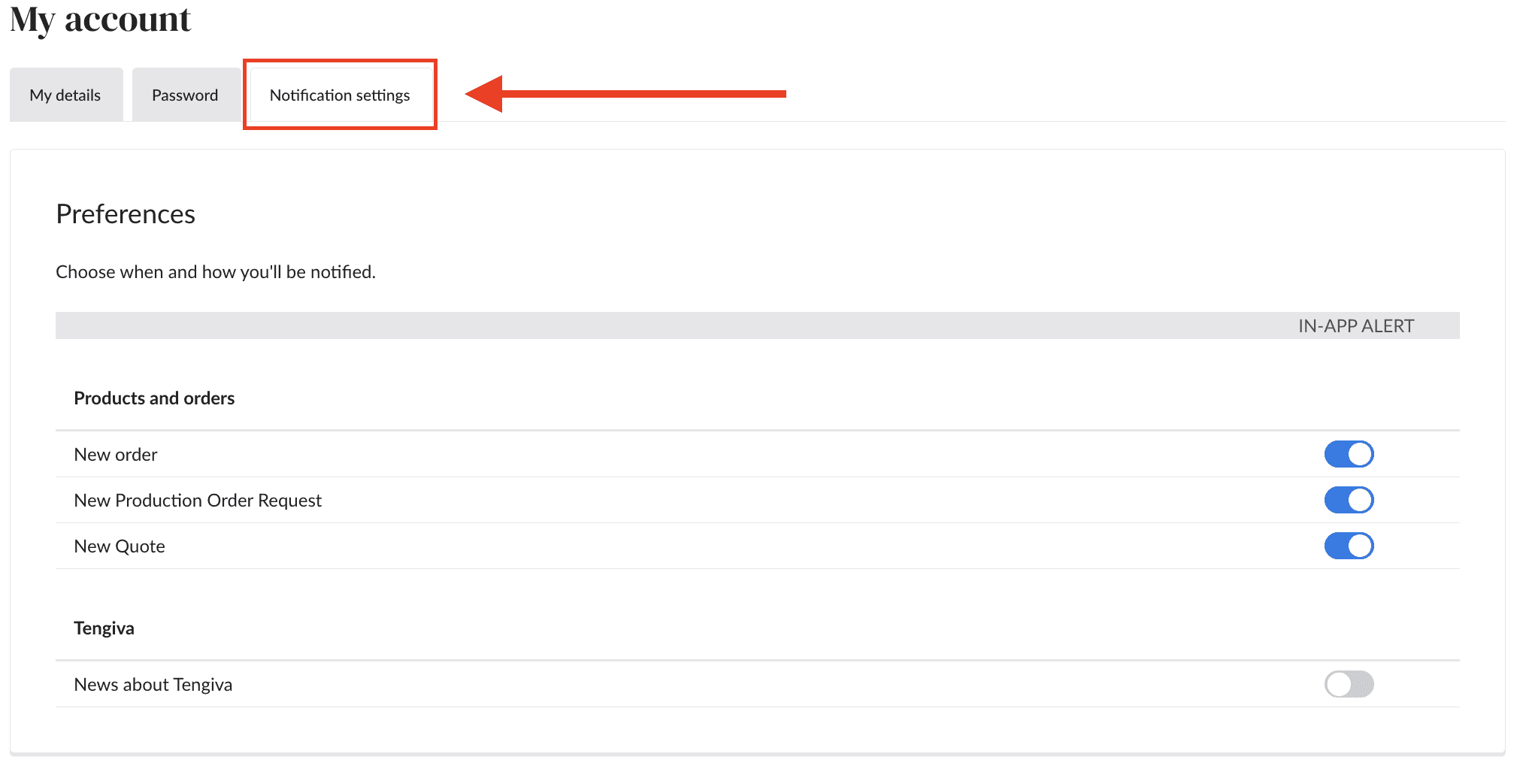
Here, you’ll be able to choose what alerts you want to receive.
You can activate alerts for:
New order: Get notified the moment a supplier accepts an order.
Production order updates: Know when a supplier edits or accepts a quote for production.
Product and order updates: Stay informed of any changes or updates to ongoing processes.
Where can I see my notifications?
You will receive all notifications directly in your system. Once you’re logged in, you’ll see all updates on the bell icon at the top right of your screen.
