FAQs covered in this article:
How do I add a business address?
How do I assign an address as billing, shipping, or a facility?
What if my shipping address is different from my main business address?
Can I add multiple facilities or warehouses?
How do I add my company’s public contact information?
Adding and managing your business address
Navigate to My Business > Business details > Legal information tab > Business address. |
|---|
Fill in your company’s address.
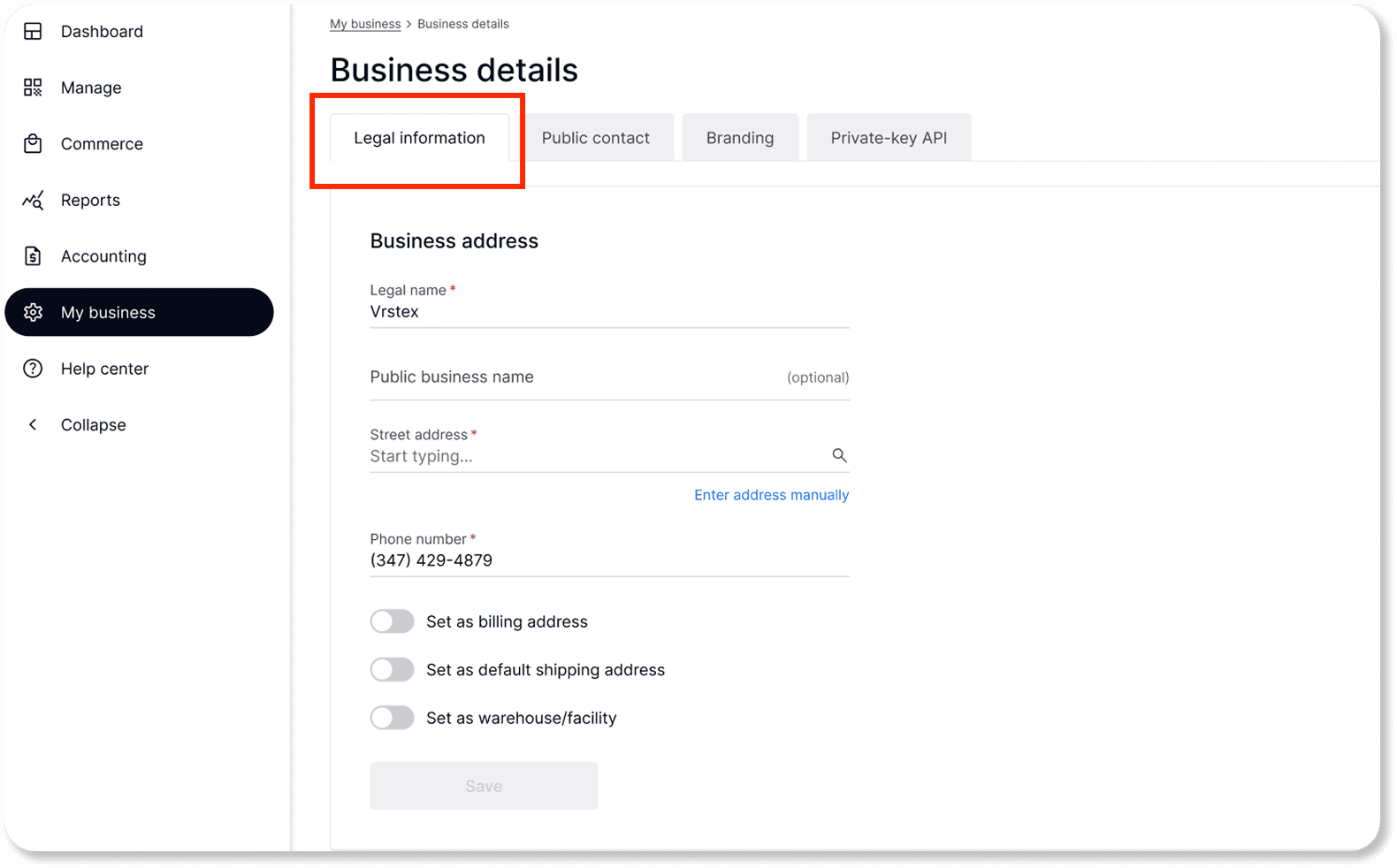
By clicking on the toggle, you can assign this address as:
Billing address
Shipping address
The main warehouse or facility
Note: The system will automatically use this address as a default warehouse address.
Reminder: Your main warehouse/facility is the location from which your textiles are shipped.
If your main business address is not your shipping location:
Navigate to My Business > Warehouse & facilities.
Add your primary shipping address.
You can add multiple secondary addresses if it applies to your business.

Adding your public contact information
Navigate to My Business > Public contact.
Input your company's main contact.

Once your addresses are set, learn how to connect your shipping accounts in this article: Connect your shipping accounts