FAQs covered in this article
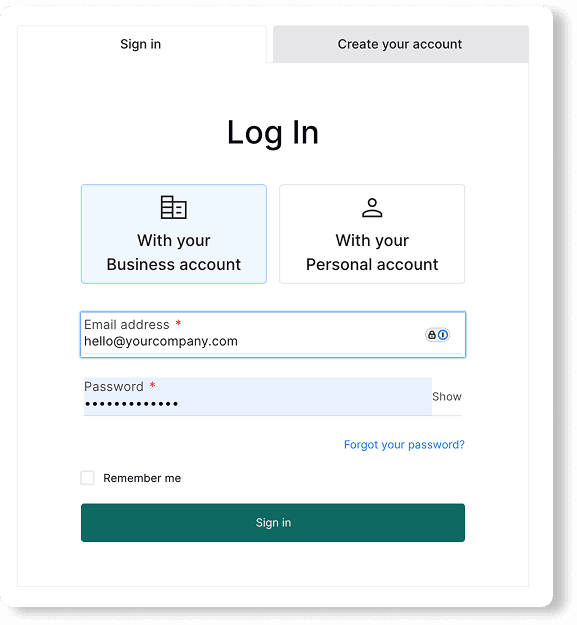
How do I create an account?
How do I activate my account after signing up?
Step-by-step to create your account
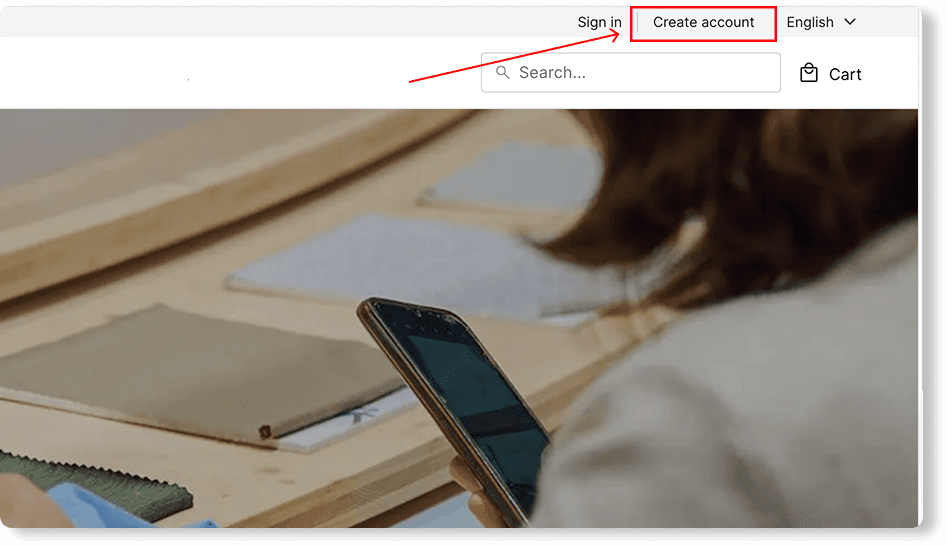
Go to your marketplace of choice and click “Create your account” in the top right corner.
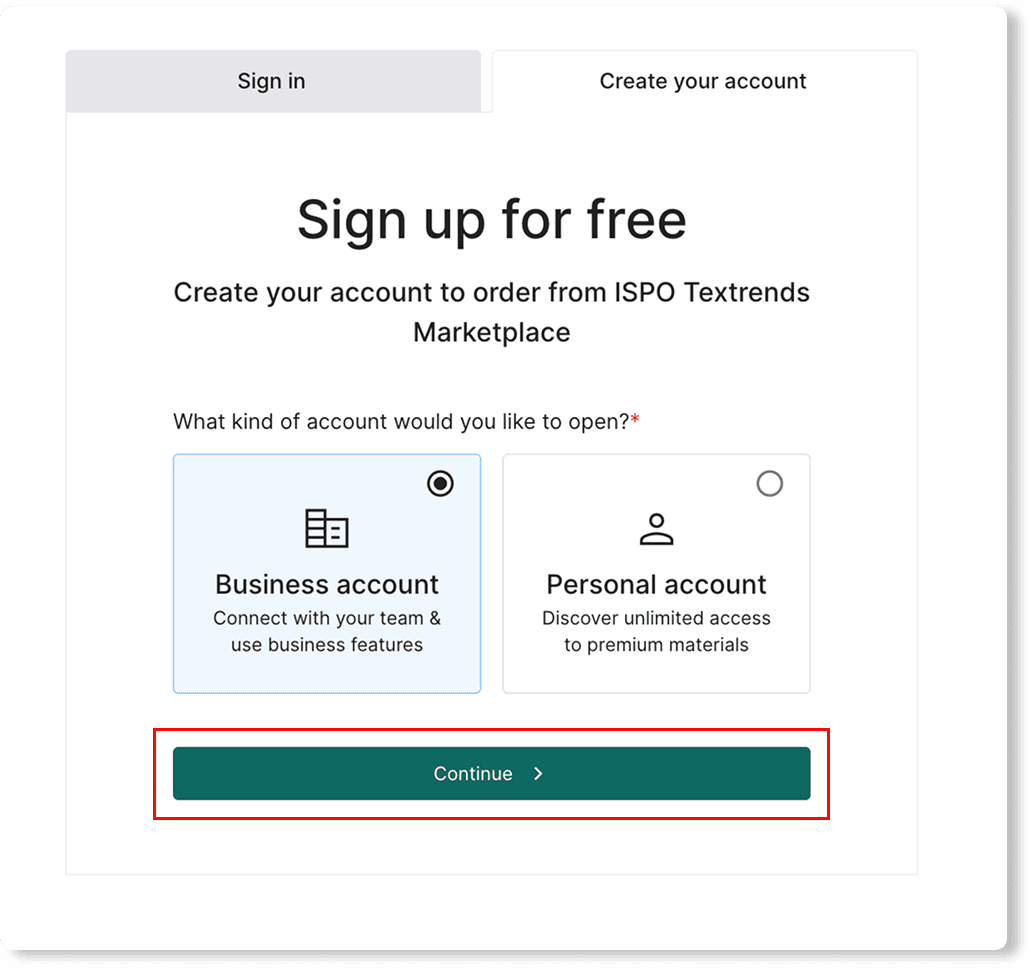
Choose your account type
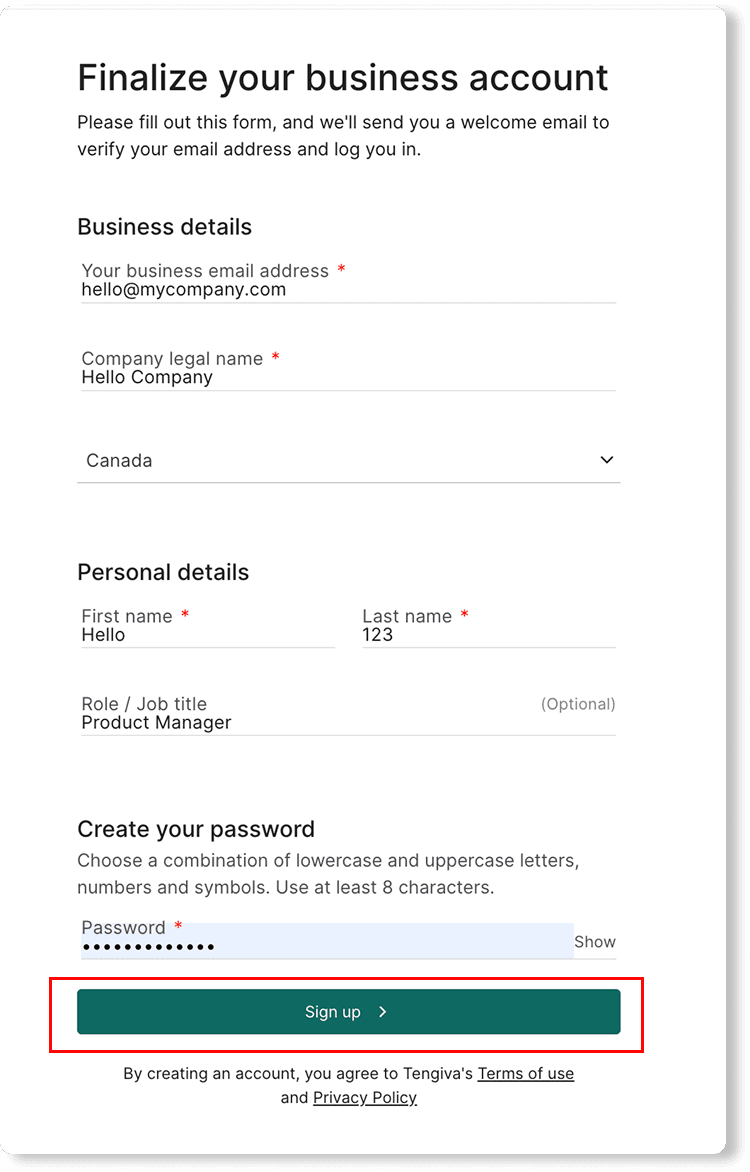
Complete your information and click "Sign up."
Check your email inbox for the activation email and click on the Activate your account button.
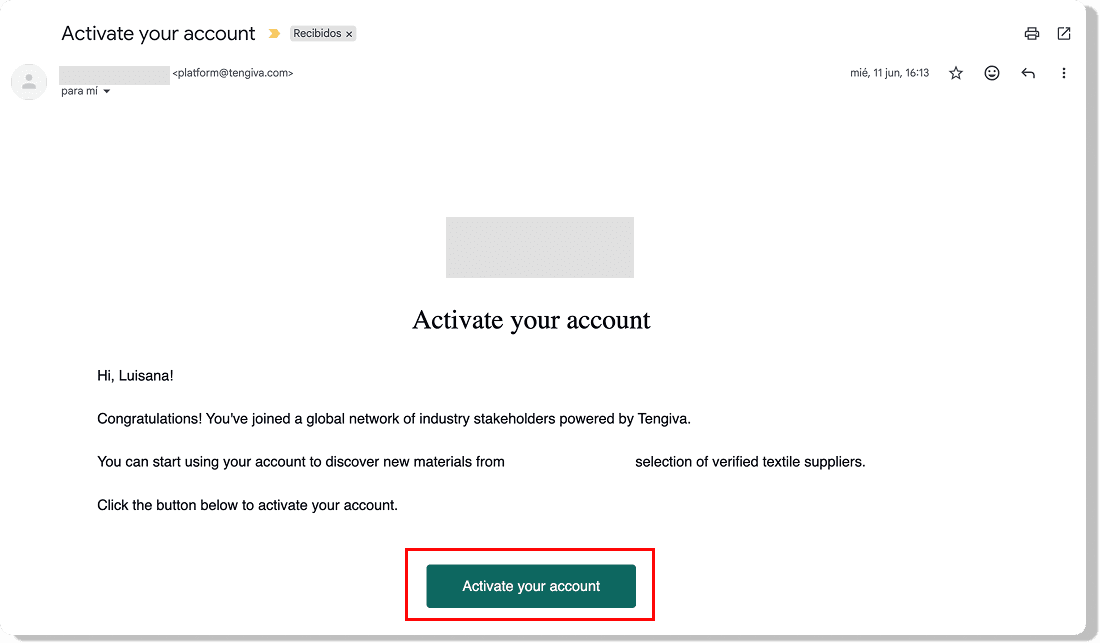
Your account is now active. You can now sign in and start using the platform.