FAQs covered in this article:
Where can I find my order details after checkout?
How do I download my invoice?
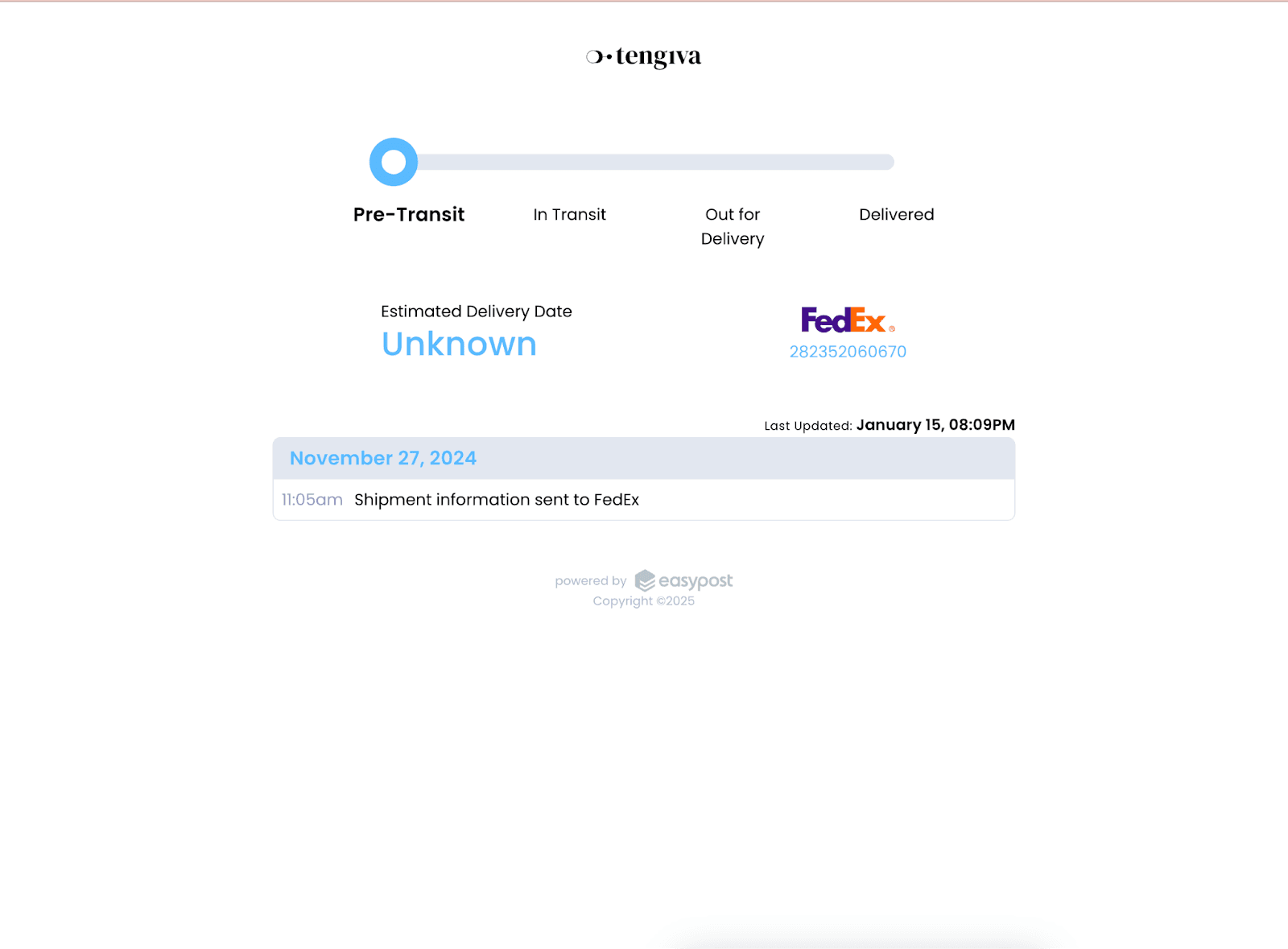
How can I track a shipped order?
How to track my order?
Where do I find my orders as an individual or business user?
Managing your order details
Once you complete your order, you’ll be taken to a confirmation page where you’ll see:
Your order number
A summary of your order details
A link to manage your order
An option to download your invoice
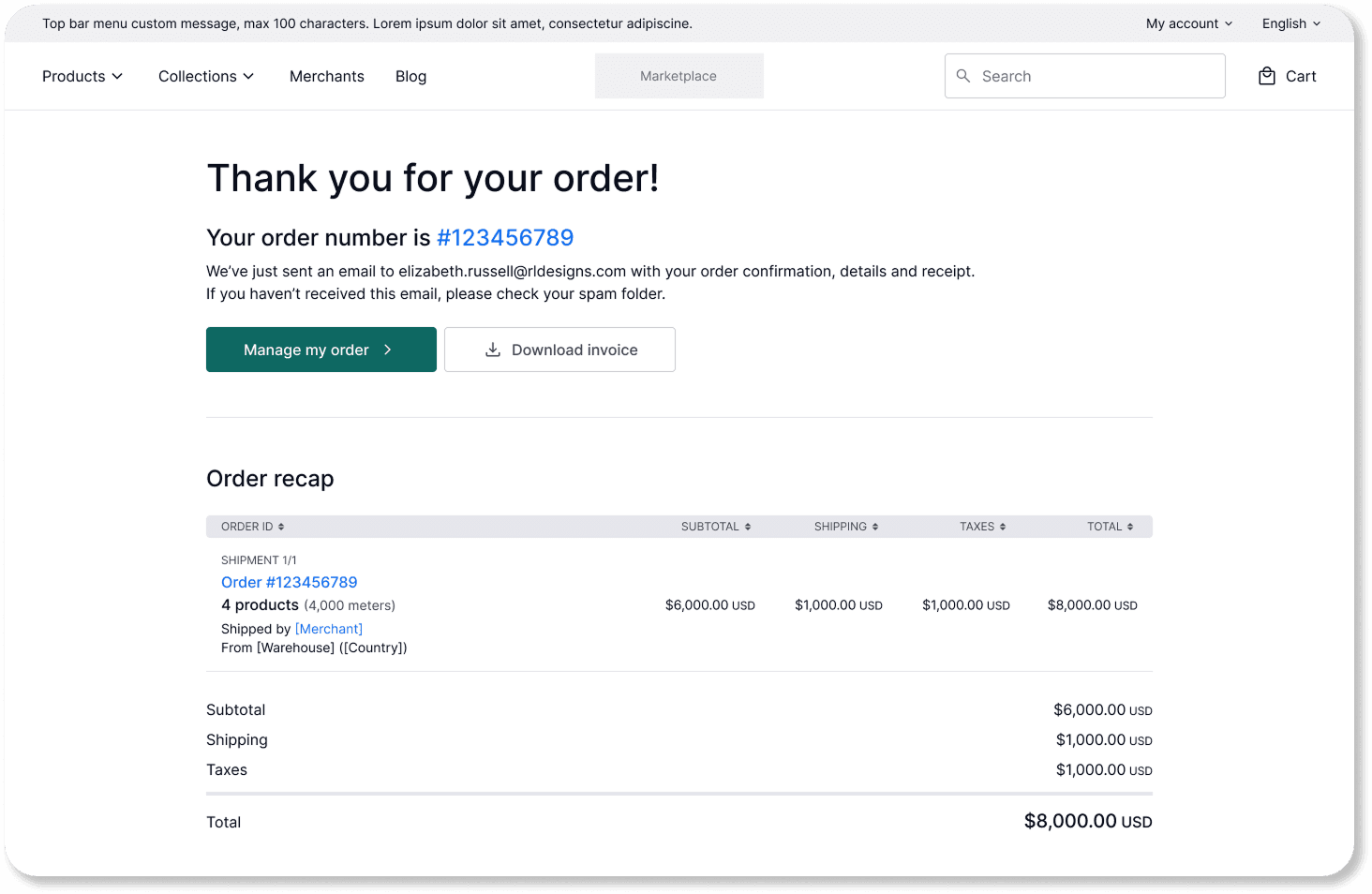
You’ll also receive a confirmation email with the same details, including your receipt.
Note: If you don’t see the email in your inbox, please check your spam or junk folder. |
|---|
You can return to this page at any time to review your order or track its status.
Where to find your orders
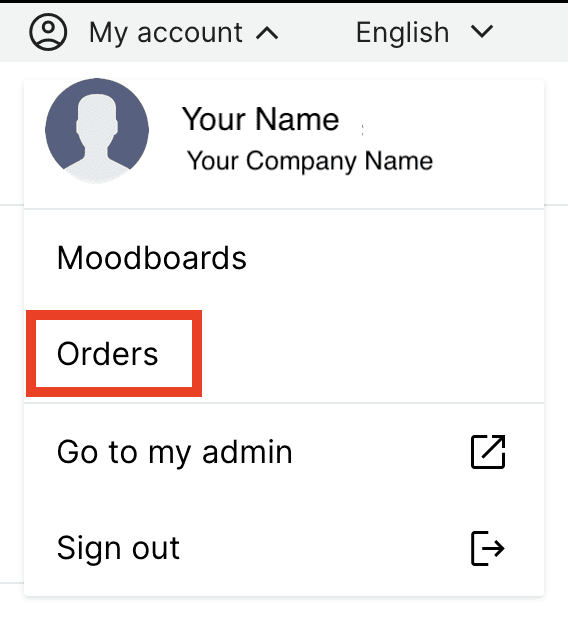
Click on “My Account” in the top right corner of the page and Orders.
Select “Orders” from the dropdown menu.
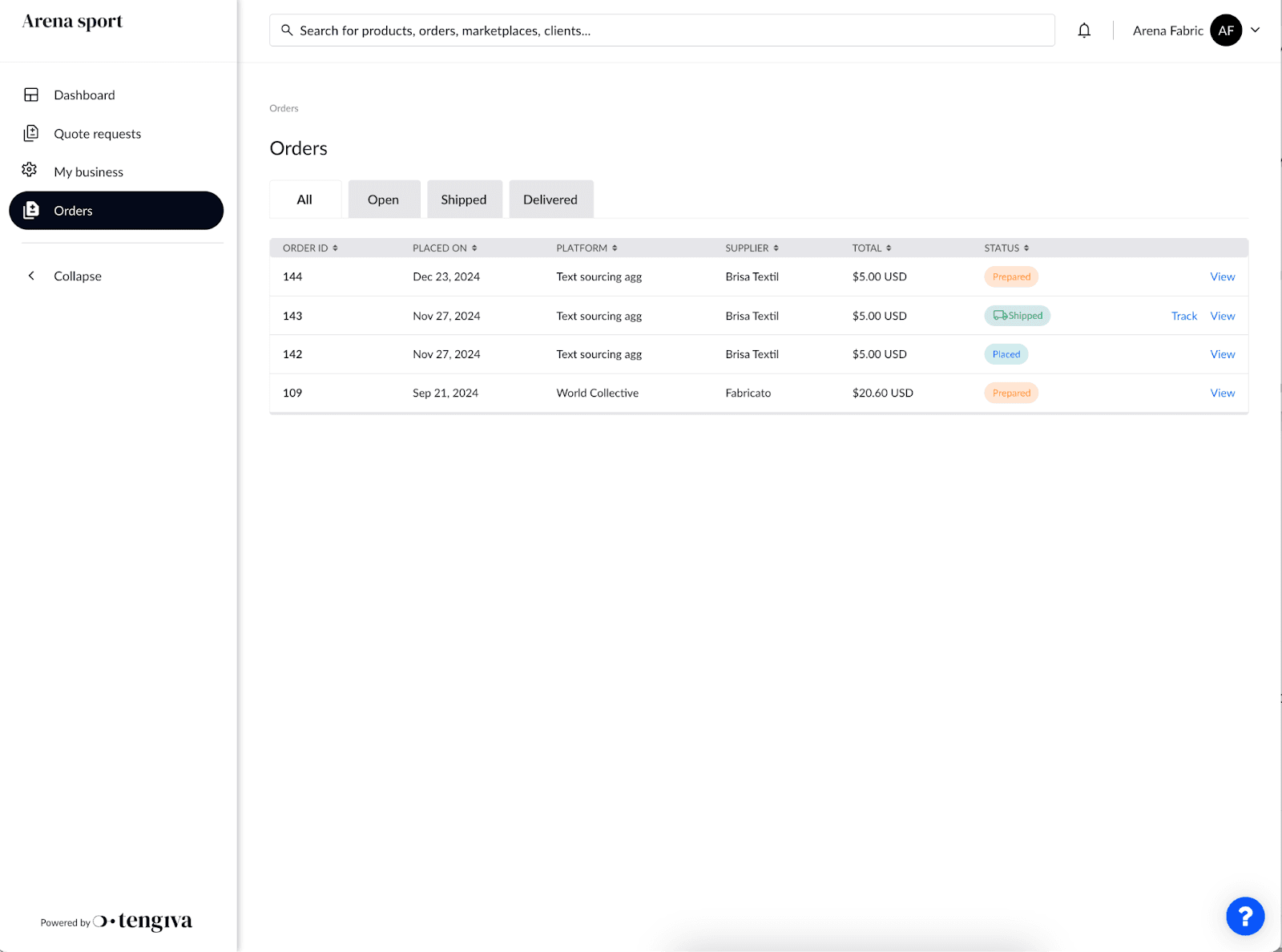
In this page, you’ll see a list of all your orders, including:
Date
Supplier
Total
Order status
For business accounts:
Click on My Account” > “Orders, to access your full admin system.
Once you’re there, select “Orders” from the menu to see all orders.
Tracking your order
In your order page, you’ll be able to track an order only once your order has been shipped and the supplier has added the tracking number to the order.
Find the order you want to track and click on “Track”.
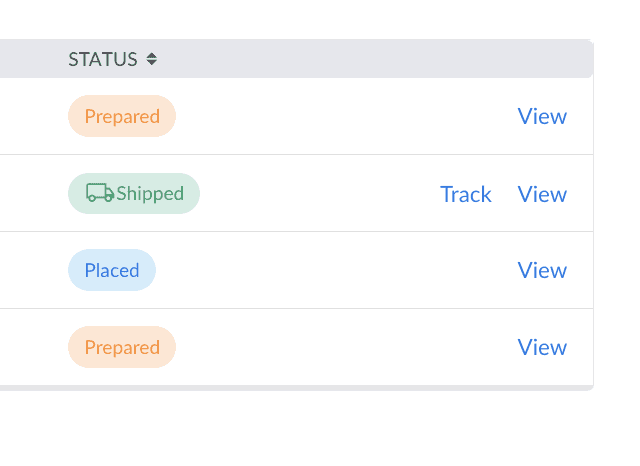
This will open the shipping company’s website with tracking information.